Testing Files Generator
A downloadable tool for Windows, macOS, and Linux
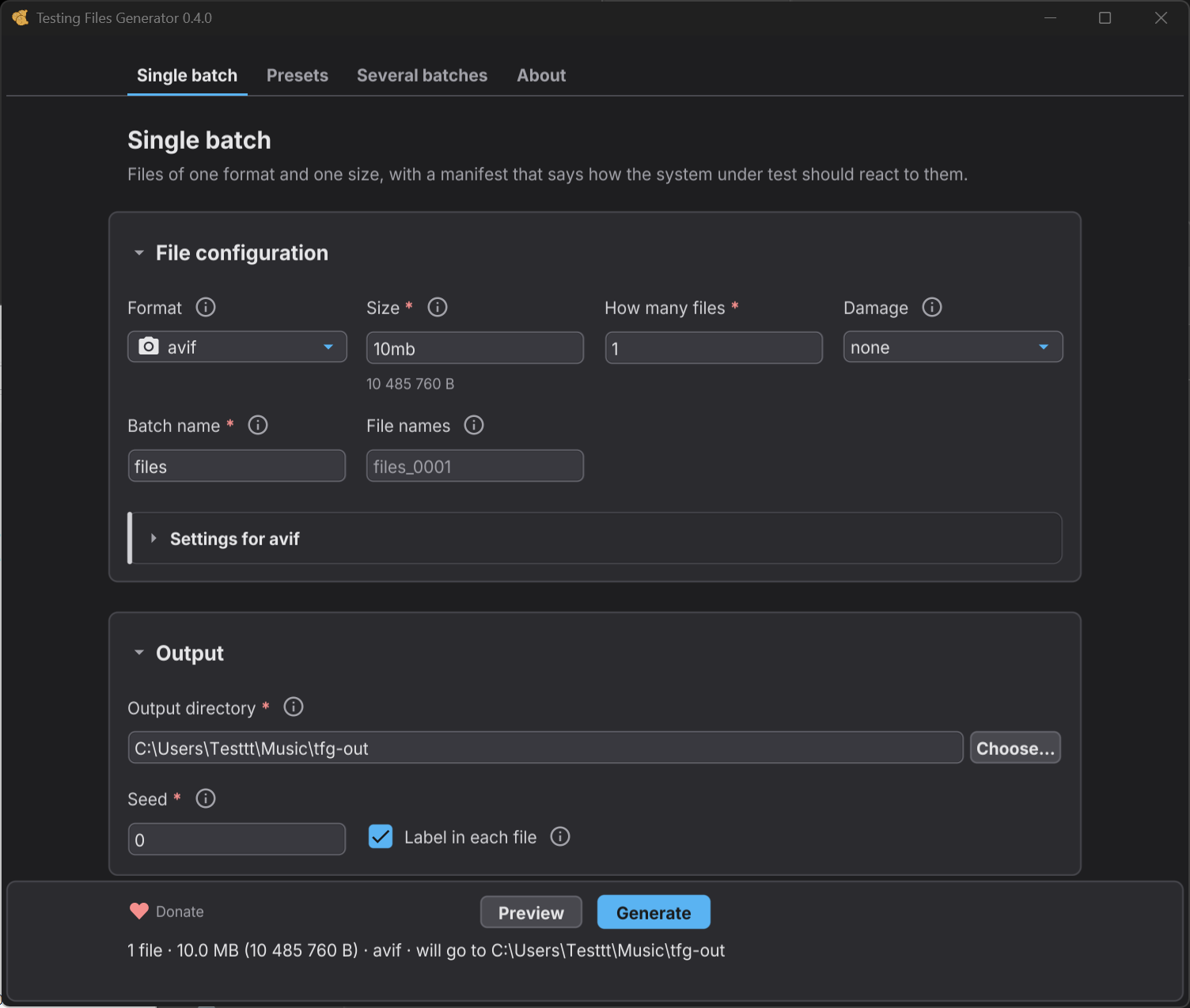
Testing Files Generator is a tool for QA engineers and developers who need real files to test against - an upload form, a parser, anything that takes a file and has an opinion about it. You pick one of its 26 formats and the size you want, and you get exactly that: ask for a 10 MB PDF and you get a PDF that a reader will open, at 10 MB to the byte. Every run also leaves a manifest saying what your system should do with each file, which is the part other generators leave to you. GUI + CLI
⭐ If it saved you time, leave a star on GitHub. That is how the next tester who needs it finds out it exists.
⚡ What it can do
- Hit an exact size, to the byte - ask for 10485761 bytes and get exactly that, never a silently rounded file.
- Write 26 real formats - a generated PNG opens in an image viewer, a DOCX opens in Word, a ZIP extracts. Not padded zeros with an extension.
- Say what should happen to each file - the manifest carries an expected outcome, so your test reads the assertion instead of you writing it out.
- Repeat itself byte for byte - same recipe and seed, same bytes, on any machine. Commit a small recipe instead of large binary fixtures.
- Build a boundary set in one command - one byte under a limit, the limit itself, one byte over. That is where off by one errors live.
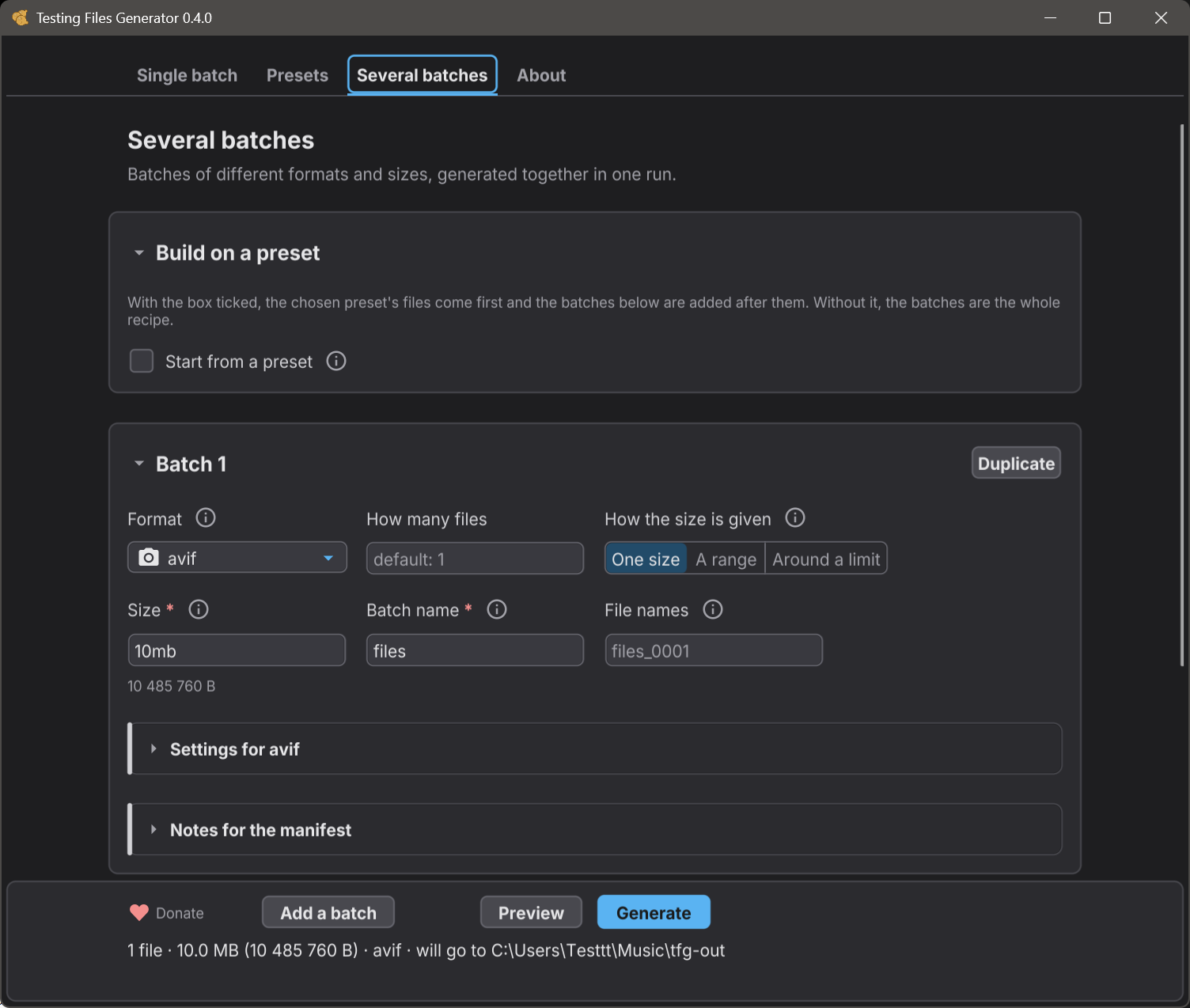
- Produce ten thousand files at once - one command, one manifest, and sizes drawn from the seed.
- Fill an archive for real - a ZIP that holds 200 documents, not a stub with the right extension.
- Take settings per format - image dimensions, JPEG quality, PDF pages, spreadsheet rows and columns.
- Fit into CI - an exit code for every ending, machine readable output, and nothing on standard output when a run fails.
- Clean up after itself -
verifytells you nothing moved,cleanupremoves exactly what it wrote and nothing else. - Work completely offline - no account, no cloud, no telemetry, no update check. The command line binary has no network stack compiled into it at all.
- Cost nothing and stay out of your way - GPL-3.0, and the files you generate are yours with no strings attached.
Source code:
https://github.com/donislawdev/TestingFilesGenerator
CLI documentation:
https://testingfilesgenerator.donislawdev.com/formats/
📁 Formats it generates
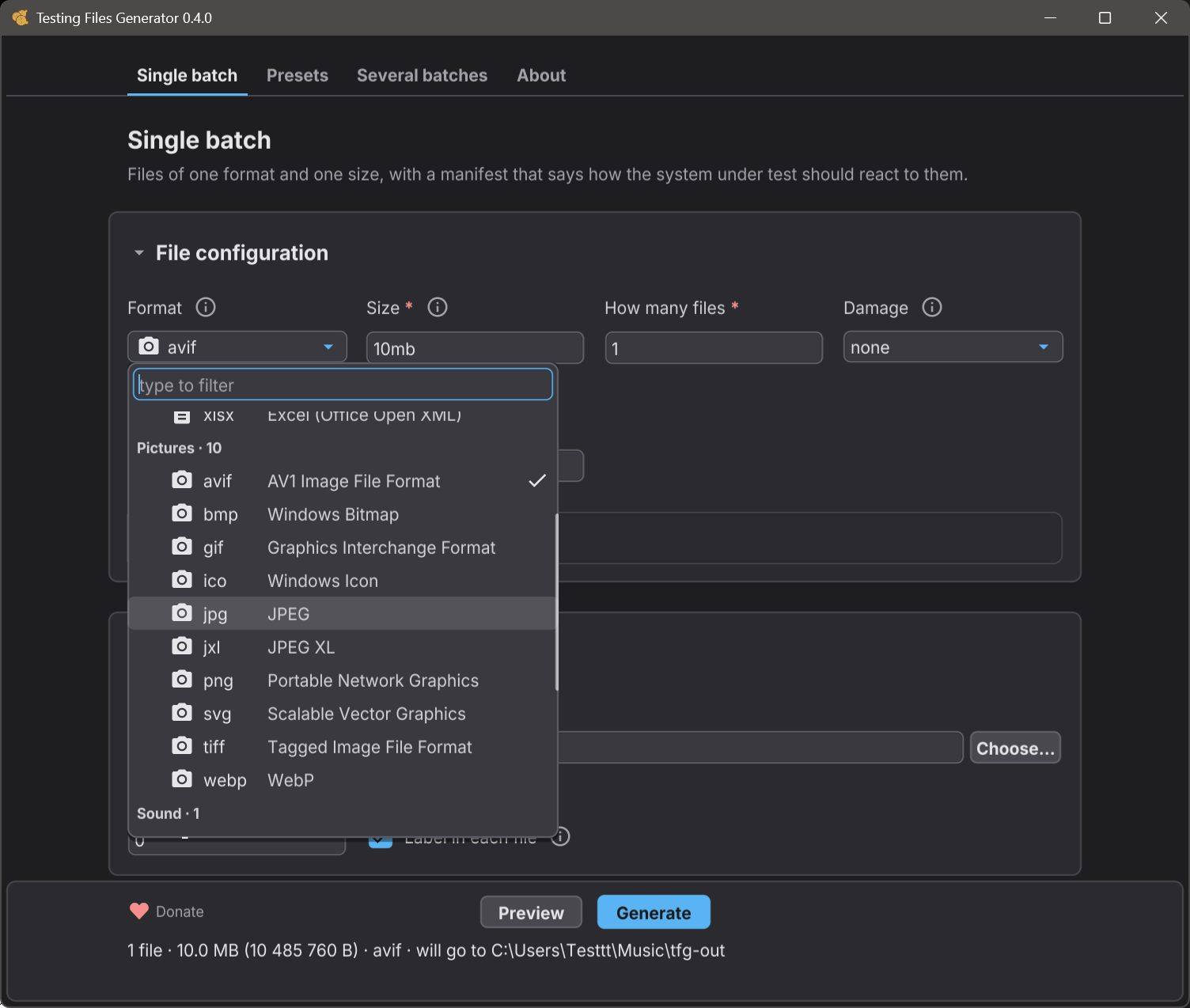
Twenty six, and every one is a real file of that format - it opens in the software that owns it, at the exact size you asked for:
| group | formats |
|---|---|
| 📄 Documents | pdf, docx (Word), xlsx (Excel), pptx (PowerPoint)
|
| 🖼️ Images | png, jpg, bmp, gif, ico, svg, tiff, webp, avif, jxl
|
| 📝 Text and markup | txt, md, csv, json, xml, html, log
|
| ⚙️ Configuration | yaml, toml
|
| 🗜️ Archives | zip, targz (.tar.gz)
|
| 🔊 Audio | wav
|
Coming next: 7z, mp3, mp4.
Most of them take settings of their own - image dimensions, JPEG quality, PDF page count, rows and columns in a spreadsheet, what goes inside an archive. See format settings.
🧪 Presets
A preset is a ready-made set of files that answers one common testing question, so you do not have to design the set yourself. Every file in it says what it is for, and the manifest says how your system should react to it:
| preset | the question it answers |
|---|---|
empty-and-minimal
| Does a file that is valid and as small as the format allows get through? |
filename-handling
| Will my system store, show and give back a file name it did not expect? |
size-boundaries
| Is a size limit enforced exactly where it is declared? |
tabular-import
| Does my table import survive what real tools export? |
text-encoding
| Does my reader know which encoding a file is in, or is it guessing? |
upload-validation
| Does my upload form take what it should and turn the rest away? |
tfg preset show size-boundaries tfg generate --preset size-boundaries --limit 10mb --out ./limits
show tells you what the set would cost before you build it, and says outright when a number is a placeholder of ours rather than a limit of yours. Presets are ordinary recipes underneath - tfg preset eject size-boundaries prints the recipe and you edit it from there. The Presets screen of the window offers the same ones.
Download
Click download now to get access to the following files:
Leave a comment
Log in with itch.io to leave a comment.